GPS Map Camera for Construction Sites and Field Reports
GPS Map Camera stamps are a practical fit for construction sites, inspections and field reports, where every photo needs a clear place and time. A visible location, date and short note turn a simple picture into a record that project managers, clients and inspectors can understand without asking questions. This article covers recommended settings, on-site habits and ways to organise stamped photos in reports.
Why Location Photos Matter on Site
Construction and fieldwork generate large numbers of similar-looking images. Without context, a photo of a foundation, a pipe trench or a soil sample could belong to any location or any week of the project.
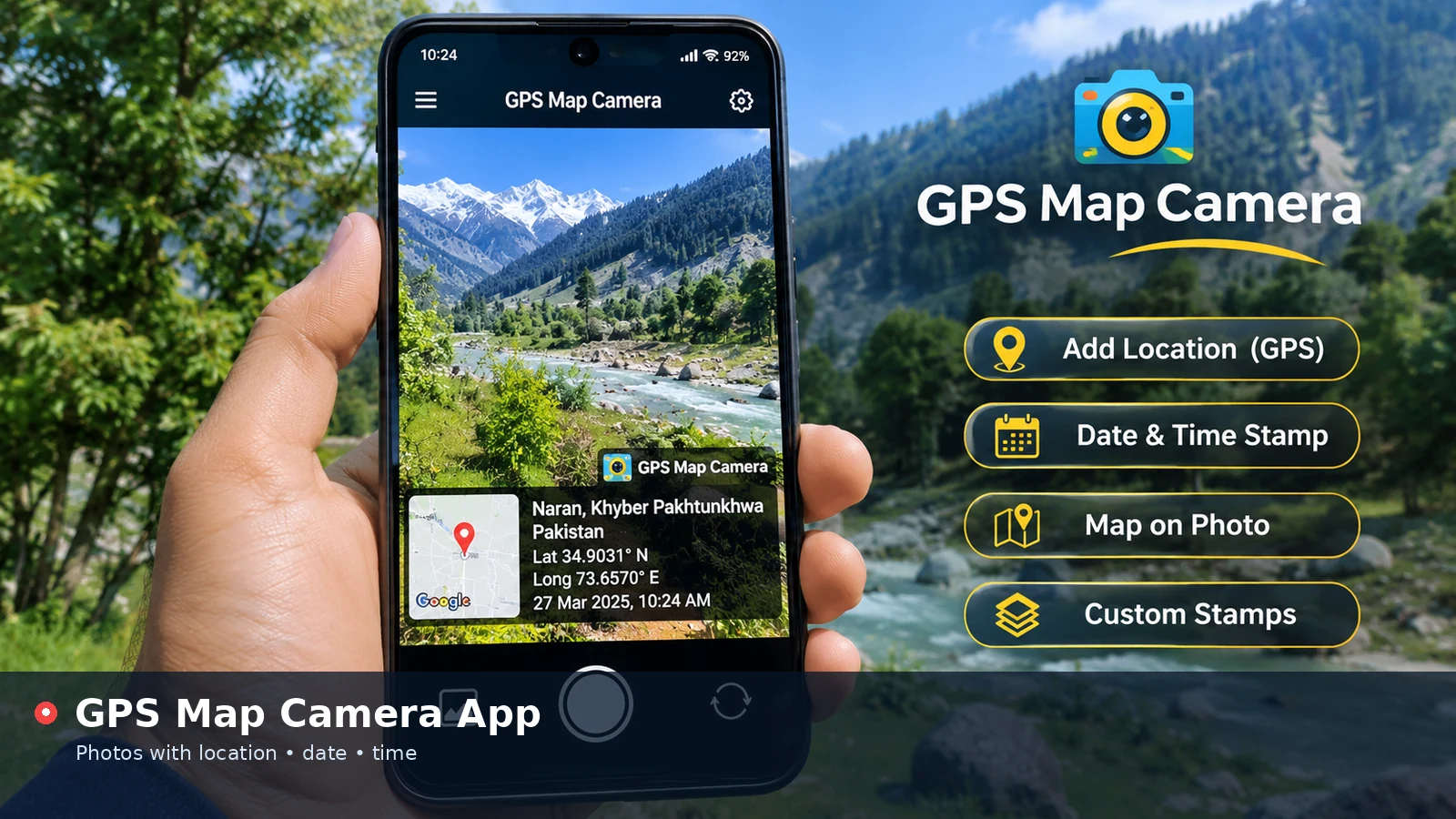
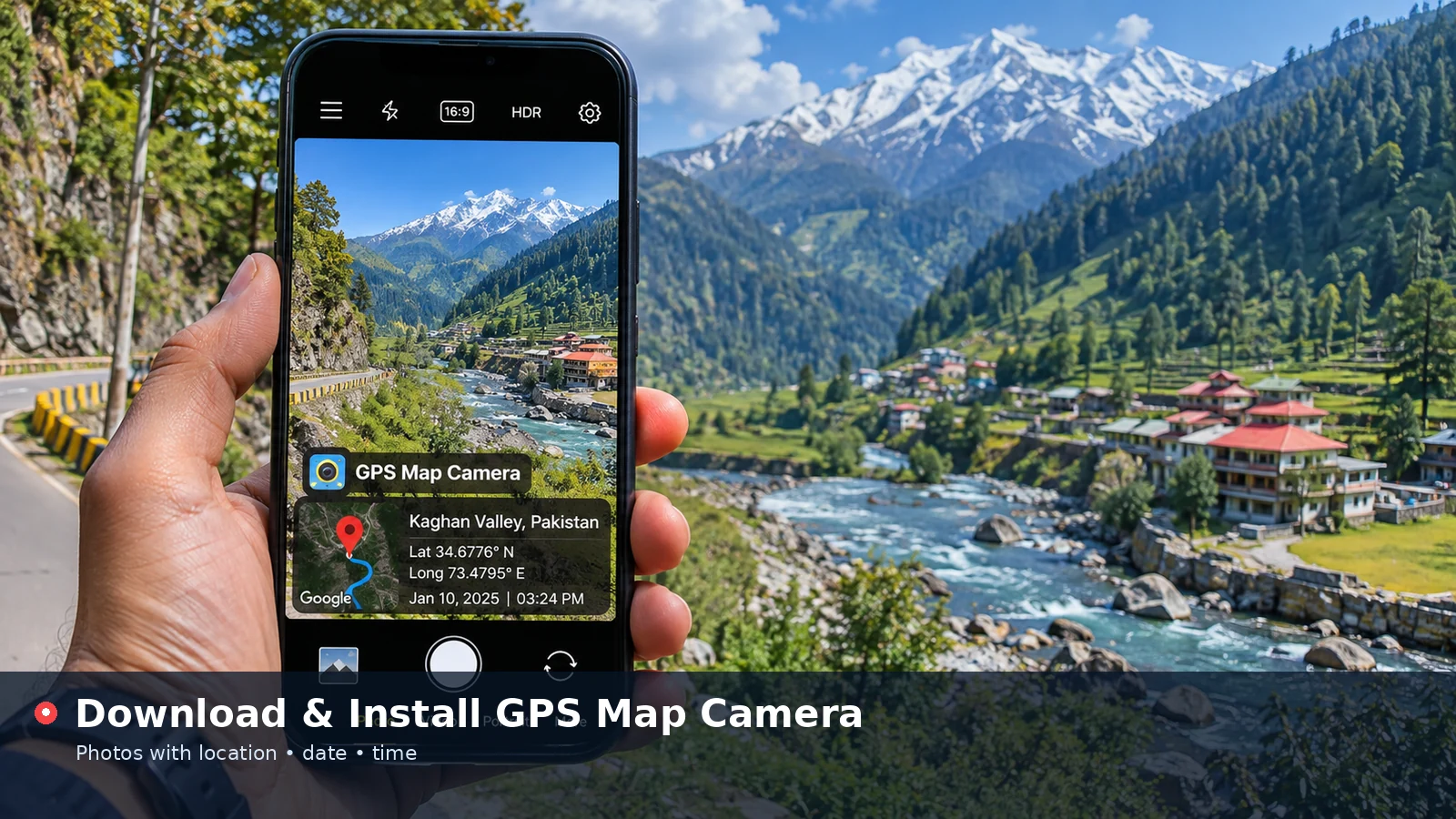
A stamp solves that by printing the essentials directly on the picture. Reviewers see where the photo was taken, when it was taken and which part of the job it relates to, even when images are pasted into documents or forwarded by email.
- Clear progress timelines for each site area
- Fewer disputes about when work was completed
- Faster review of inspection and snag lists
- Reliable records for handover and maintenance
Recommended Stamp Settings
Consistency is more important than style in professional records. Pick one configuration for the whole project and keep it for every photo so reports look uniform.
| Setting | Suggested choice | Reason |
|---|---|---|
| Position | Full-width bar or bottom left | Always visible, rarely blocks key detail |
| Theme | Dark glass | Strong contrast on bright outdoor scenes |
| Date format | 2025-01-08 10:24 | Sorts cleanly in logs and spreadsheets |
| Coordinates | Decimal degrees | Easy to paste into mapping software |
| Note line | Block, level or task reference | Links photo to the work package |
| Logo | Company mark | Shows who produced the record |
Using the Note Line Well
The note line is where site photos become truly useful. Short references such as Block B – Level 2 – Rebar check or Trench 4 – Chainage 120 m tell reviewers exactly what they are looking at. Agree on a naming pattern with the team at the start of the project.
Good Habits While Taking Photos
Take an overview shot first, then close-ups. The overview establishes the location, while close-ups show detail such as fixings, cracks or measurements. Stamping both keeps them linked.
Check the location accuracy before an important series of photos. If the reading is poor, move into open space for a moment or enter the known site coordinates manually, then type a clear place name.
- Keep the device clock on automatic time
- Photograph the same viewpoint each week for progress comparisons
- Include a scale reference such as a tape measure for defects
- Avoid placing the stamp over the area being inspected
Stamp your next site photo with location, date and a task note in your browser.
Add Location to PhotoOrganising Stamped Photos in Reports
A stamped photo explains itself, but good organisation still saves time. Group images by area and date, and use filenames that match the note line so searching works as expected.
In written reports, place the overview photo first in each section, followed by details. Because the stamp already shows place and time, captions can focus on findings and required actions instead of repeating basic information.
Sharing With Clients and Inspectors
Clients often view photos on phones, so increase the text size if stamps look small on a mobile screen. Saving as JPG keeps files light for email, while PNG suits images that will be annotated later.
Field Reports Beyond Construction
The same approach supports surveys, environmental sampling, agriculture, utilities and insurance assessments. Any job that sends people to specific locations benefits from photos that carry their own location and time.
For sampling work, record the sample ID in the note line and use degrees, minutes and seconds if your team already reports coordinates that way. Matching existing conventions keeps records consistent across tools.
Limitations to Keep in Mind
A visible stamp is an organised summary, not tamper-proof evidence. Because details can be typed or adjusted, organisations that need strict proof often combine stamped photos with original files, metadata and sign-off procedures.
Device accuracy also varies, particularly near tall structures and indoors. Note any uncertainty in your report rather than relying on coordinates alone for precise boundaries.
Building a Photo Routine for the Team
Consistent photos come from a simple routine that everyone follows. Agree on when photos are taken, such as at the start and end of each task, and which viewpoints are mandatory for progress tracking.
Share a short checklist with the agreed stamp settings, the note-line format and the folder structure for uploads. New team members can then produce matching records from their first day on site.
- Fixed viewpoints for weekly progress shots
- Agreed note-line pattern for areas and tasks
- One shared logo and title for all photos
- Daily upload to the project folder
Combining Stamps With Drawings and Plans
Stamped photos become even more useful when linked to drawings. Mark photo positions on a site plan using the same references written in the note line, so readers can find each image's viewpoint quickly.
Coordinates also help when sites are large or spread across several plots. Pasting a photo's latitude and longitude into a mapping tool shows its exact position, which is particularly helpful for roads, pipelines and utility work.
Frequently Asked Questions
Can I stamp photos taken earlier on site?
Yes. Upload the photo, enter or confirm the site coordinates and set the original date before saving.
Which format is best for construction reports?
JPG keeps file sizes small for documents and email, while PNG is better when you plan to annotate images afterwards.
Can several team members use the same stamp style?
Yes. Share the agreed settings, title, logo file and note format so every stamped photo matches.
Does the tool work on site without a laptop?
Yes. It runs in a mobile browser, so you can stamp photos directly on your phone.
Conclusion
GPS Map Camera stamps give construction and field teams clear, consistent records with location, date and task references printed on every photo. Choose one project-wide style, use the note line carefully, check accuracy before important shots and keep originals for formal evidence. Your reports will be faster to review and easier to trust.