Is GPS Map Camera MOD APK Safe to Install?
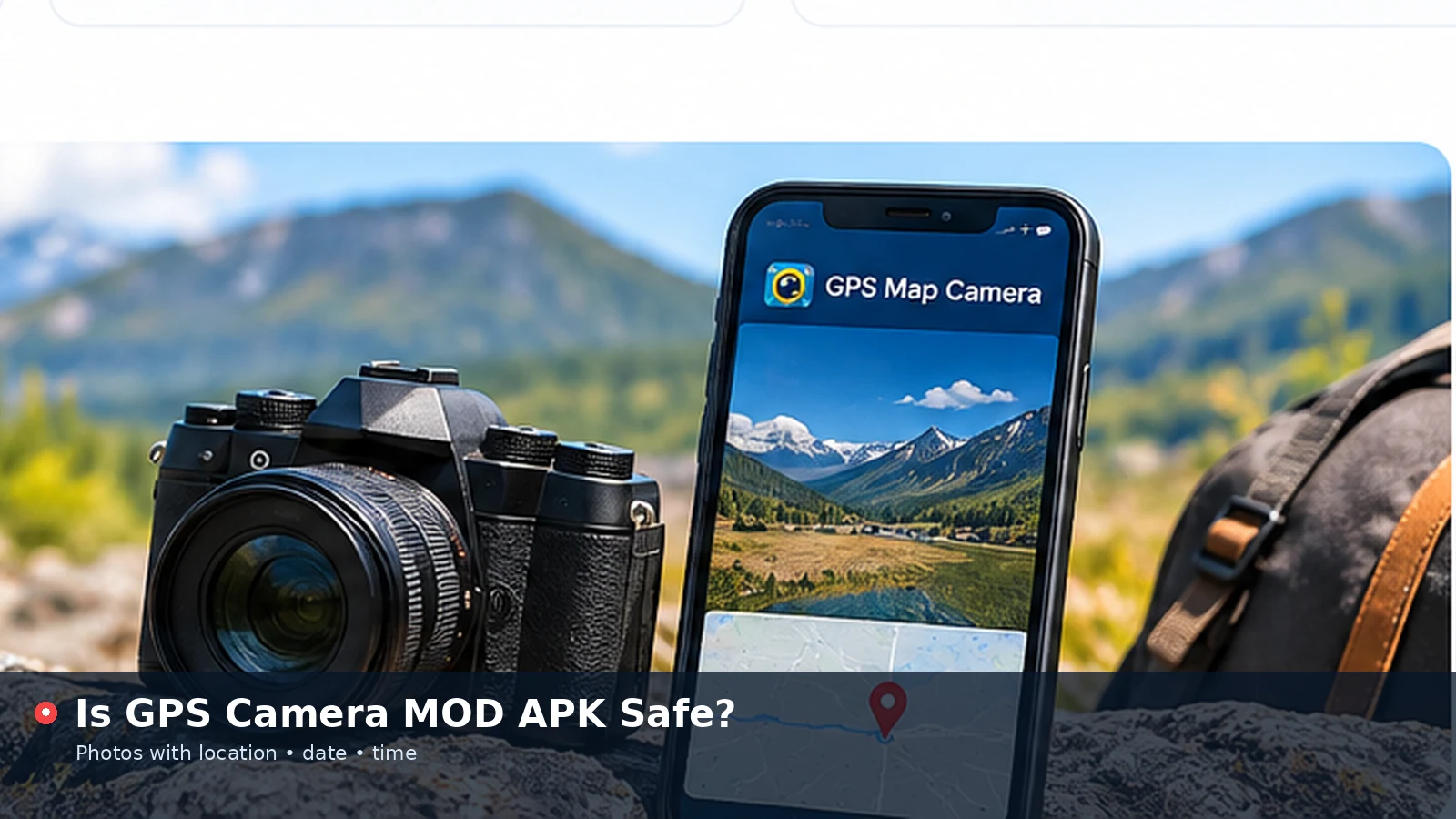
GPS Map Camera MOD APK files are modified copies of a location camera app, usually shared on download sites that promise removed ads or unlocked premium templates. They look tempting, yet the changes that unlock those features also remove the protections that make an app trustworthy. This article explains what a mod actually is, the risks it introduces and the safer routes to the same result.
What a MOD APK Actually Is
An APK is the package Android uses to install apps. A MOD APK is an altered version of that package, rebuilt by someone other than the original developer. The person repackaging it can change any part of the code, including features, advertising, permissions and network connections.
Because the file is signed with a different key, it cannot update through Google Play, and there is no reliable way for a normal user to confirm what was changed. A GPS Map Camera MOD may look identical on screen while behaving very differently in the background.
The Main Risks of Modified Apps
Location camera apps handle two of the most sensitive data types on a phone: photos and precise position. That combination makes a tampered version particularly risky.
- Hidden code that collects location history, photos or contacts
- Aggressive advertising or redirects added by the repackager
- Excess permissions unrelated to taking photos
- Crashes and broken features caused by careless edits
- No security updates once a vulnerability is found
Why Photos and Location Make It Worse
A stamped photo often reveals a home address, a workplace or a daily route. If a modified app quietly uploads images or coordinates, that information can be used for profiling, scams or worse. Ordinary antivirus scans do not always catch this kind of behaviour.
Warning Signs on Download Pages
Sites offering modded apps share common patterns. Recognising them helps you avoid harmful files even when the page looks polished.
| Warning sign | What it may indicate |
|---|---|
| "Premium unlocked" or "no ads" promises | Code was altered to bypass the developer's design |
| Multiple download buttons and pop-ups | Ad-driven page, possibly misleading links |
| No developer name or contact | Unknown origin of the file |
| Requests to disable Play Protect | Attempt to bypass built-in security checks |
| File sizes that differ from the store version | Extra code or removed components |
Legal and Account Considerations
Modifying and redistributing an app usually breaks its licence terms. While the main concern for most people is security, using altered software can also lead to blocked accounts or lost data if the service detects the change.
Paid features exist because developers need income to maintain the app, fix bugs and keep location services accurate. Supporting the official version, or choosing a free alternative, keeps tools reliable for everyone.
Safer Ways to Get the Features You Want
Most people search for a mod because they want to avoid ads, use custom templates or add their own logo. Those goals are achievable without any risky file.
- Check whether the official app offers a one-time purchase or trial
- Compare other location camera apps in the official store
- Use the browser tool on this website for free stamping
- Add your own logo and note line in the online Style settings
What the Browser Tool Covers
The online GPS Map Camera tool provides custom stamp positions, three themes, text sizing, a map badge, date and coordinate formats, an extra note and logo support. It runs on your device, so photos are never uploaded, and it needs no installation or special permissions.
Get custom stamps and logo support safely in your browser, with no APK required.
Add Location to PhotoWhat to Do If You Already Installed a Mod
If a modified version is already on your phone, remove it promptly. Uninstalling stops further activity, but it is wise to take a few extra steps to protect your data.
- Uninstall the app from your phone settings
- Run a scan with Google Play Protect
- Review app permissions and revoke anything unusual
- Change passwords for accounts used on the device
- Check your Google account for unknown sign-ins
Making a Safe Choice
The safest path is simple: install apps only from official stores, read the permissions they request and keep them updated. When you only need occasional stamps, a browser-based tool removes the install question entirely.
For businesses, a clear policy on approved apps prevents staff from installing modified tools on work phones that hold client photos and site locations.
Why Updates Matter for Location Apps
Official apps receive regular fixes for camera compatibility, location accuracy and security vulnerabilities. A modified file is frozen at the moment it was repackaged, so every later fix is missing, and installing an official update usually fails because the signatures do not match.
Over time, that gap grows. New phone software versions may break features in the mod, and known security holes stay open. For a tool that handles photos and precise location, staying current is part of using it safely.
- Official apps update through the store automatically
- Mods require manual reinstalls from unknown sources
- Security patches never reach a modified copy
Protecting a Work or Family Phone
Shared and work devices deserve extra care, because one risky install can expose photos belonging to several people. Restrict app installation to official stores, keep Play Protect switched on and avoid granting "install unknown apps" permission to browsers or file managers.
For families, parental controls can require approval before new apps are installed. For businesses, mobile device management tools can limit installs to an approved list that includes trusted location camera options.
Reporting a Suspicious App
If you find a fake or modified version of a location camera promoted on a store or website, report it through the store's flagging option or the site's hosting contact. Reports help remove harmful files before other people install them.
Conclusion
GPS Map Camera MOD APK files may promise extra features, but they trade those features for unknown code, missing updates and real privacy risks. Official apps or the free browser tool give you location stamps, custom designs and logo support without exposing your photos and position to strangers.